Paste a FEN, get the position pinned to the top
Drop any FEN onto the search page. The board fills, the exact match shows up first, similar games follow underneath.
The most common request since launch was a version of I have a specific position from a game or book — how do I just look it up?
Now you can. Paste any FEN anywhere on the search page (no input focus needed, no button to click) and the board fills in.
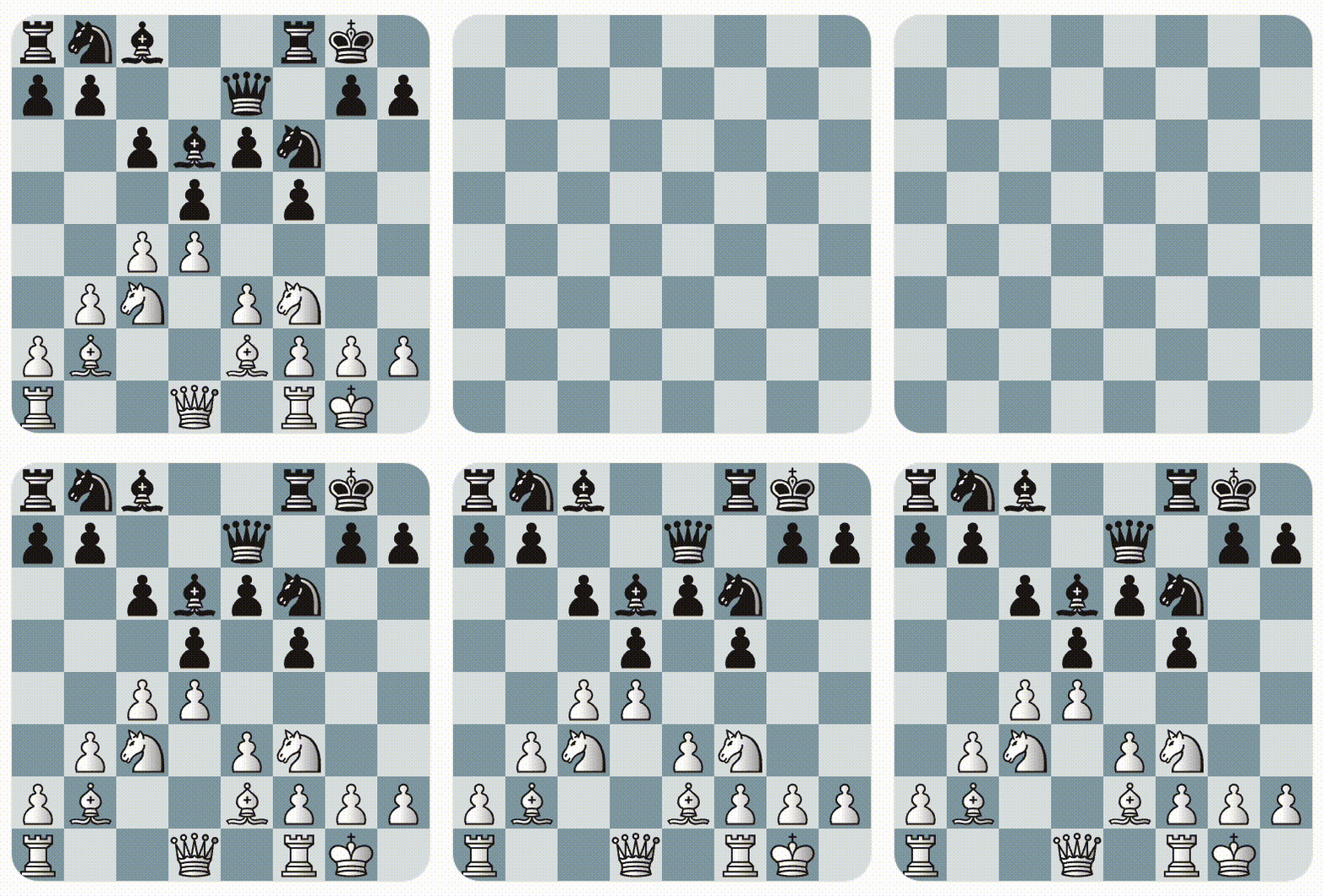
Then click Search. If the position exists in the corpus, it's pinned
as the first card with an EXACT MATCH pill. Similar games — ones
that contain the same pieces, or reach the position through a
different move order — fill the rest of the grid.
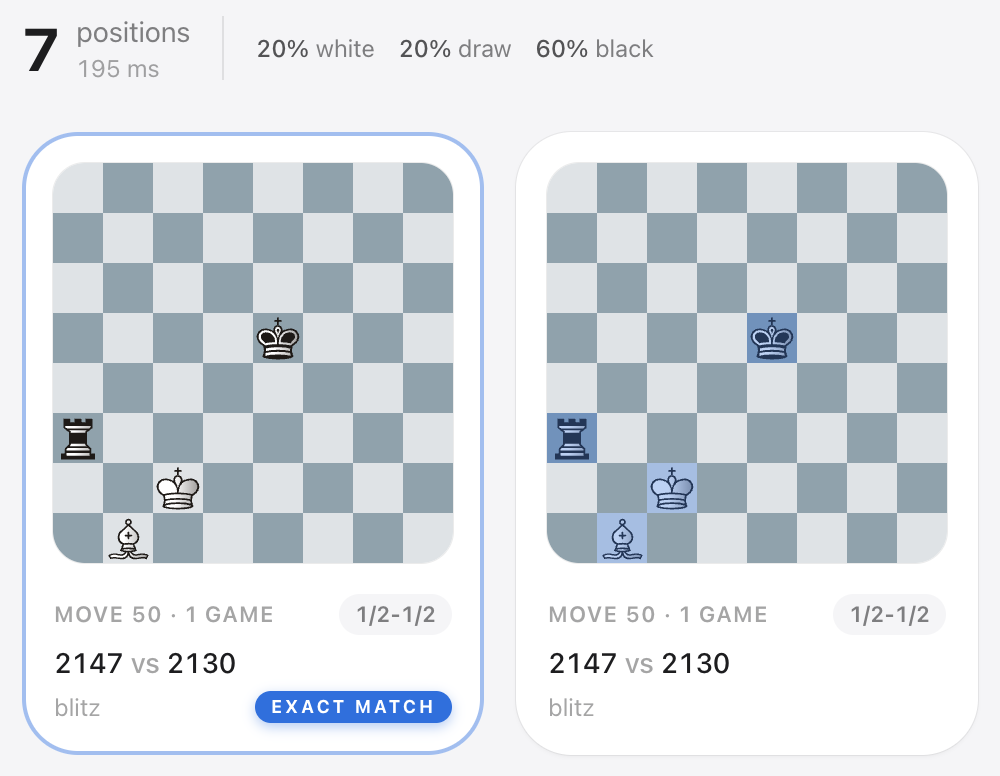
You get the strict match and the related games in one search. No mode switch, no extra clicks.
Try it
Open the search page, copy a FEN from anywhere — Lichess analysis, chess.com, a book — and paste. Help text under the board now reads Tap or drag a piece onto a square — or paste a FEN so the affordance is discoverable.
If you want to hear when the next feature ships, subscribe below. One short email per release. Unsubscribe in one click.
Get the next post in your inbox
One short email per release. Unsubscribe in one click.